E-Invoicing
Standard vs Simplified Tax Invoices: The ZATCA Phase 2 Flow, Step by Step
Standard invoices are cleared in real time; simplified invoices are reported within 24 hours. A step-by-step walk through both ZATCA Phase 2 flows.
By Bytize Team2 min read
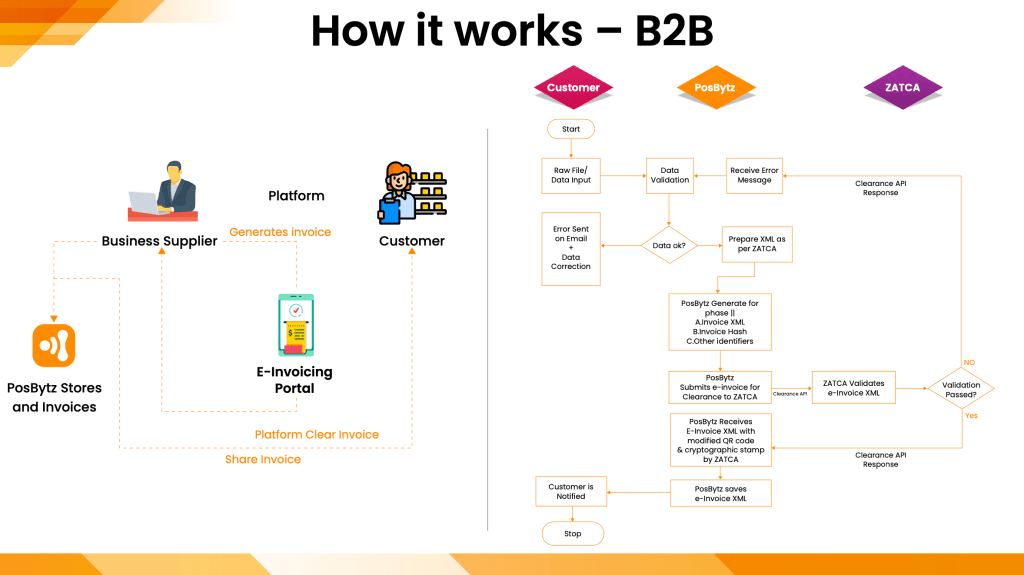
In ZATCA's Phase 2, every business subject to e-invoicing regulations must integrate its ERP, POS or accounting software with ZATCA's system. What that integration does depends on the type of invoice. Standard tax invoices must be cleared in real time. Simplified tax invoices can be reported within 24 hours of their generation.
Both flows run through your EGS unit — the e-invoice generation solution that sits between your business software and ZATCA's Fatoora portal.
Standard tax invoices: cleared before they reach the customer
- You generate the invoice using your ERP.
- Your EGS unit receives the invoice data and generates the UUID, PIH and ICV along with the ZATCA-compliant XML file.
- The EGS unit sends the data files to the Fatoora portal.
- If the invoice data is in a valid format and compliant with the rules, ZATCA clears the invoice and places a cryptographic stamp on it.
- Your EGS unit receives the ZATCA-cleared XML and QR code.
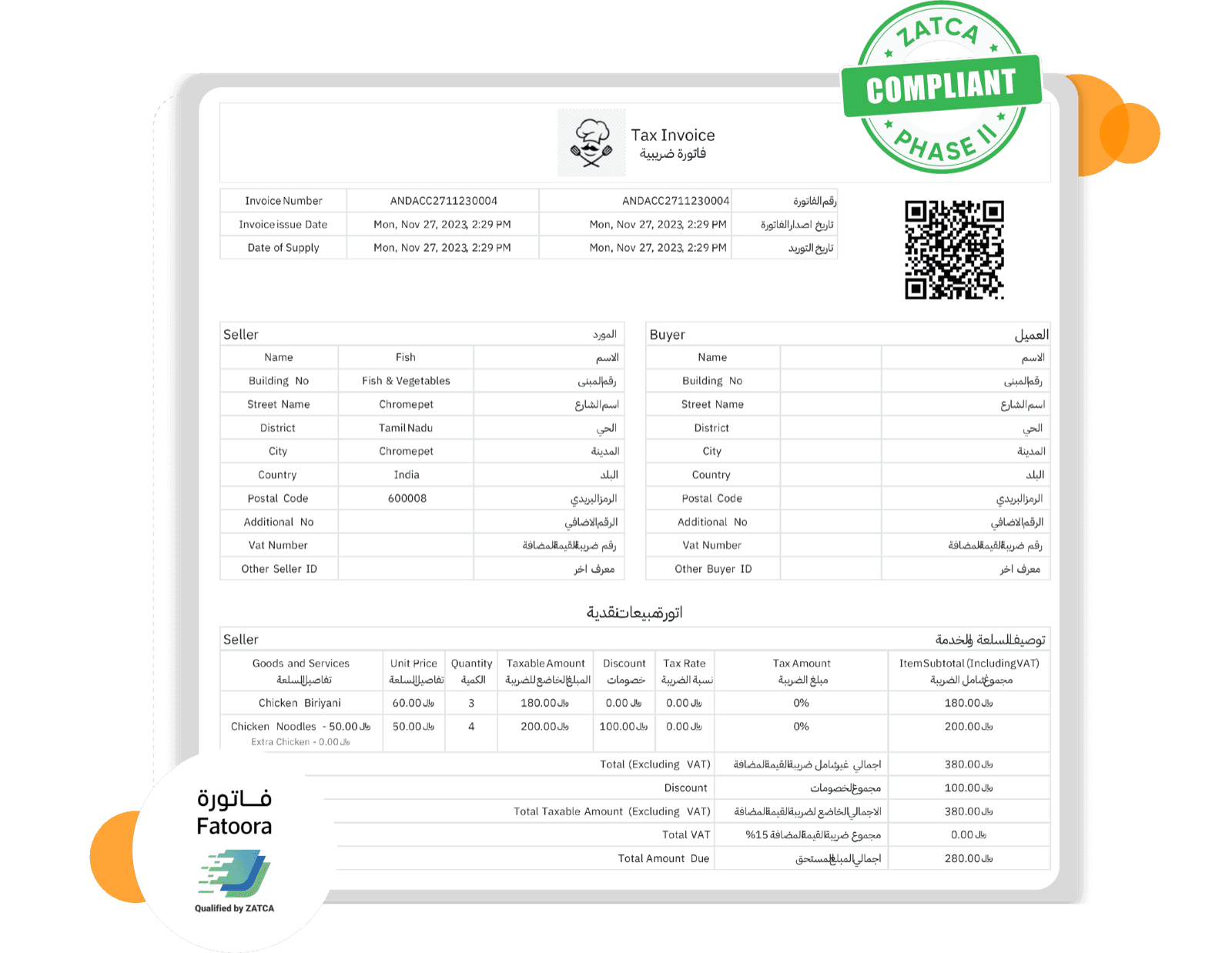
- The EGS unit generates the invoice in PDF/A-3 format using the data received from ZATCA.
- You store and archive the invoice in the ZATCA-specified XML format.
- You share the PDF/A-3 (with the XML embedded) or the XML e-invoice with your customer. If you hand over a printed copy, you must also email the XML to the buyer.
- Your customer can validate the standard tax e-invoice using ZATCA's app.
Simplified tax invoices: issued first, reported within 24 hours
- You generate the invoice using your ERP.
- Your EGS unit receives the invoice data and generates the UUID, PIH and ICV. It also generates a QR code that includes details such as the cryptographic stamp and public key, and maintains the invoice counter.
- You share the simplified tax e-invoice with your customer straight away.
- Your customer can validate it using ZATCA's app.
- You report the invoice to the Fatoora portal within 24 hours of generation.
- If the invoice data is in a valid format and compliant with the rules, ZATCA issues an acknowledgment validating the simplified e-invoice.
- You store and archive the invoice in the ZATCA-specified XML format.
The difference that matters
With a standard invoice, ZATCA sits in the middle: the customer only receives the document after clearance. With a simplified invoice, the customer gets it immediately and reporting follows. Your software has to support both paths, apply the right one automatically, and archive the result either way.
Getting your systems ready
Bytize's ZATCA-approved solution handles XML and PDF formats, QR code embedding, cryptographic stamping and automated error handling, and connects to your existing ERP, POS or accounting system through a documented API. See our ZATCA e-invoicing page for the full picture, or the earlier post on Phase 1 vs Phase 2.